A live board
Tap Listen. Spoken words appear next to the translation as the person keeps talking.
vocoxe AI turns speech into a transcript and a translation, side by side, on your iPhone or iPad.
The green button opens the App Store once the app is published.
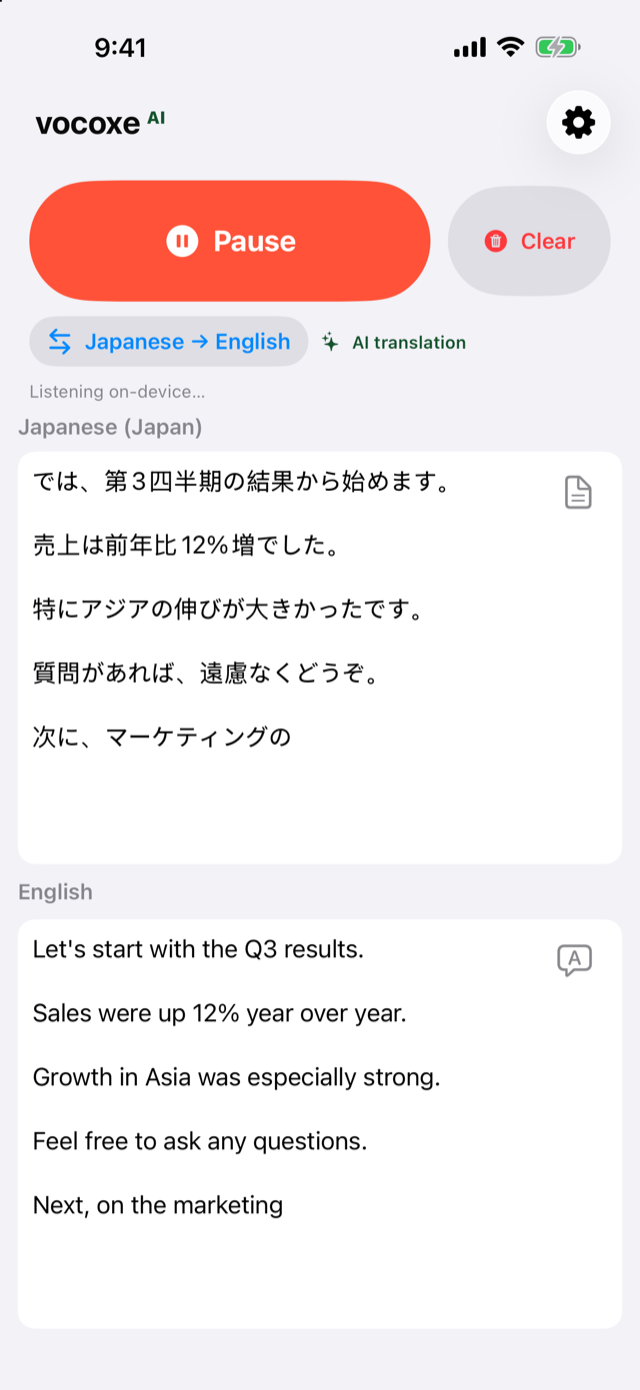
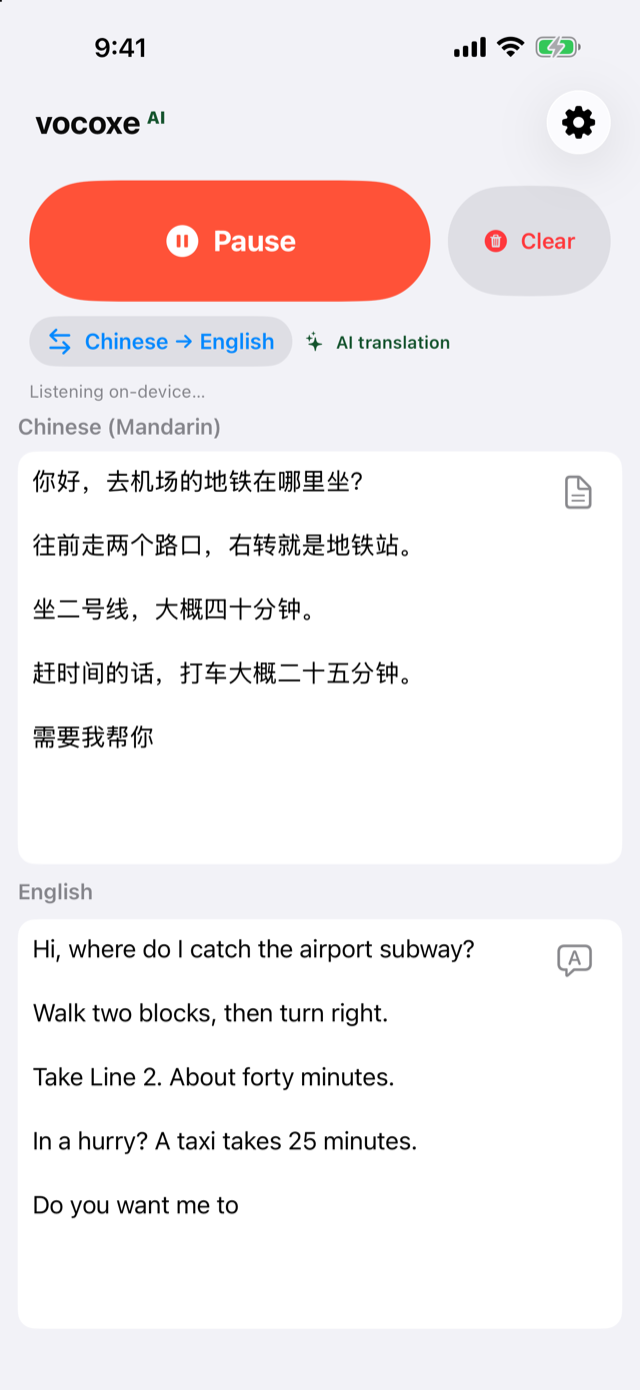
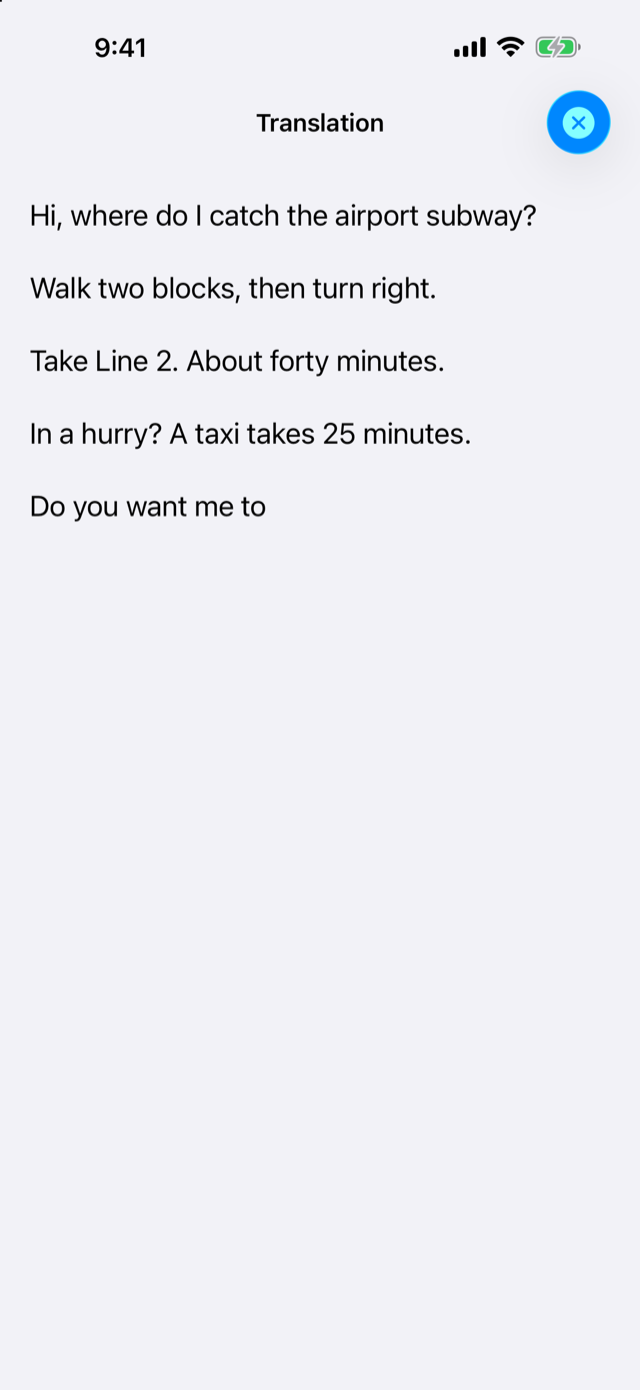
Tap Listen. Spoken words appear next to the translation as the person keeps talking.
A language pack downloads once. After that, listening and translation run on the device. Which languages appear depends on the device.
Clear removes the board. Nothing is saved between launches, and there is no account.
On devices that support it, AI translation is free for 30 minutes a day. Listening does not stop: the board continues with standard translation. Vocoxe AI is a one-time purchase for AI translation all day. Devices that do not support AI translation are free, with nothing to buy.
Allow the microphone when iOS asks. You can turn it back on in Settings → Privacy & Security → Microphone.
Download the language pack for that pair. The download happens once. Then it works without a connection.
Open vocoxe AI → Settings → Restore Purchase, with the same Apple ID. Vocoxe AI applies on devices that support AI translation.